
Description
Product Overview
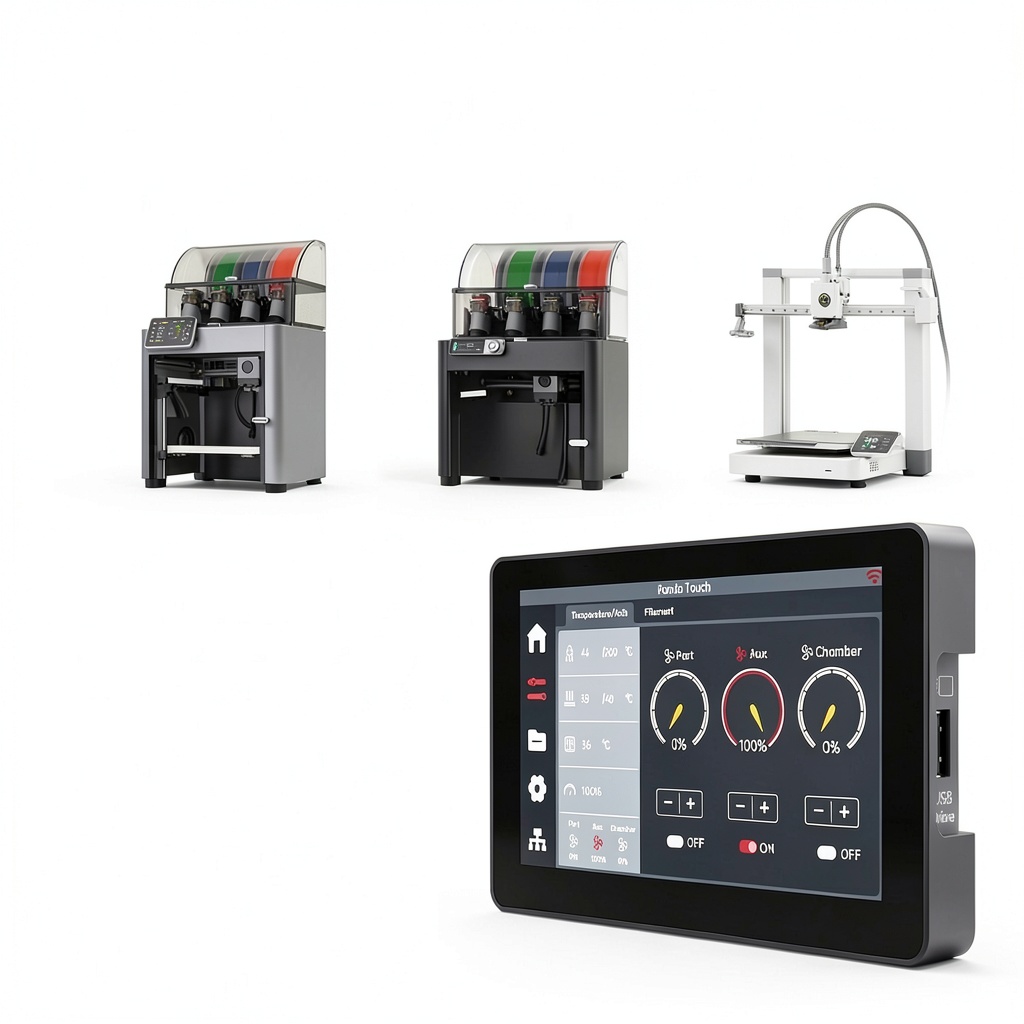
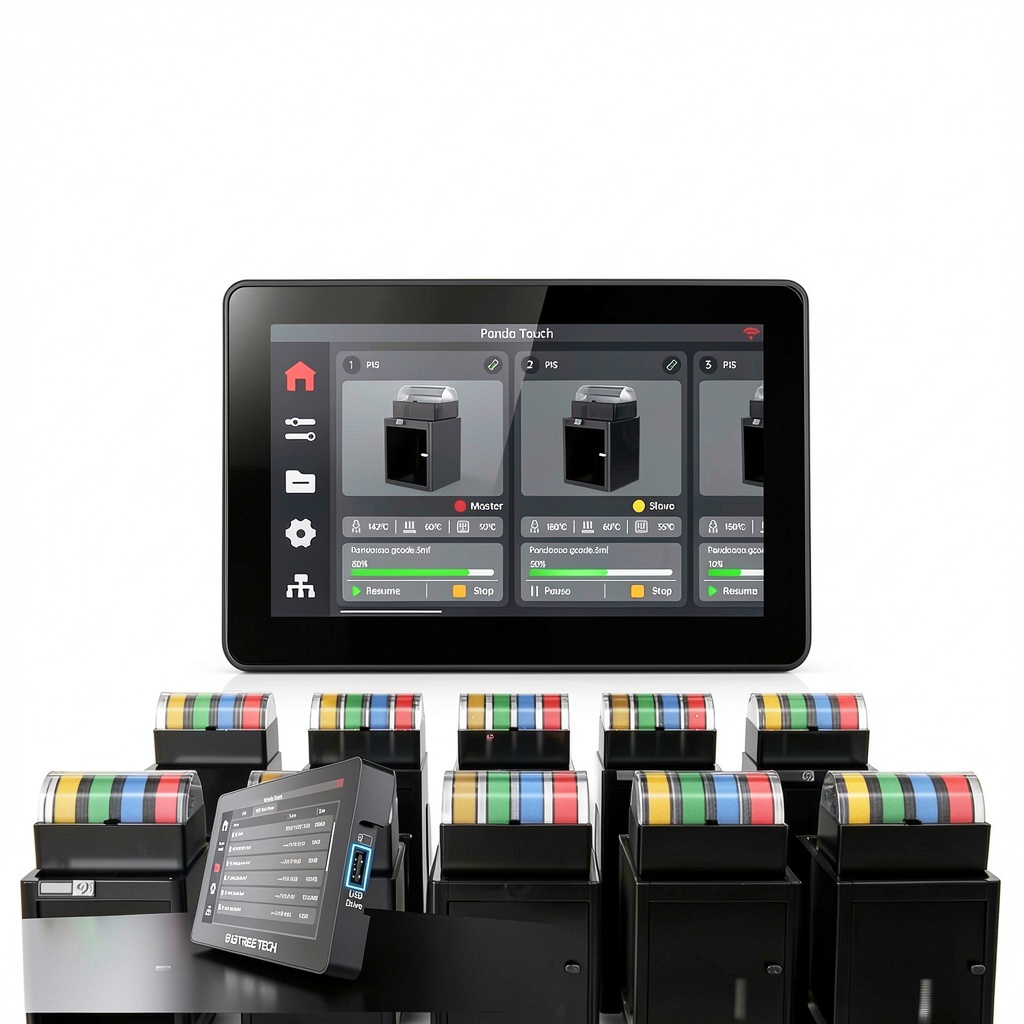
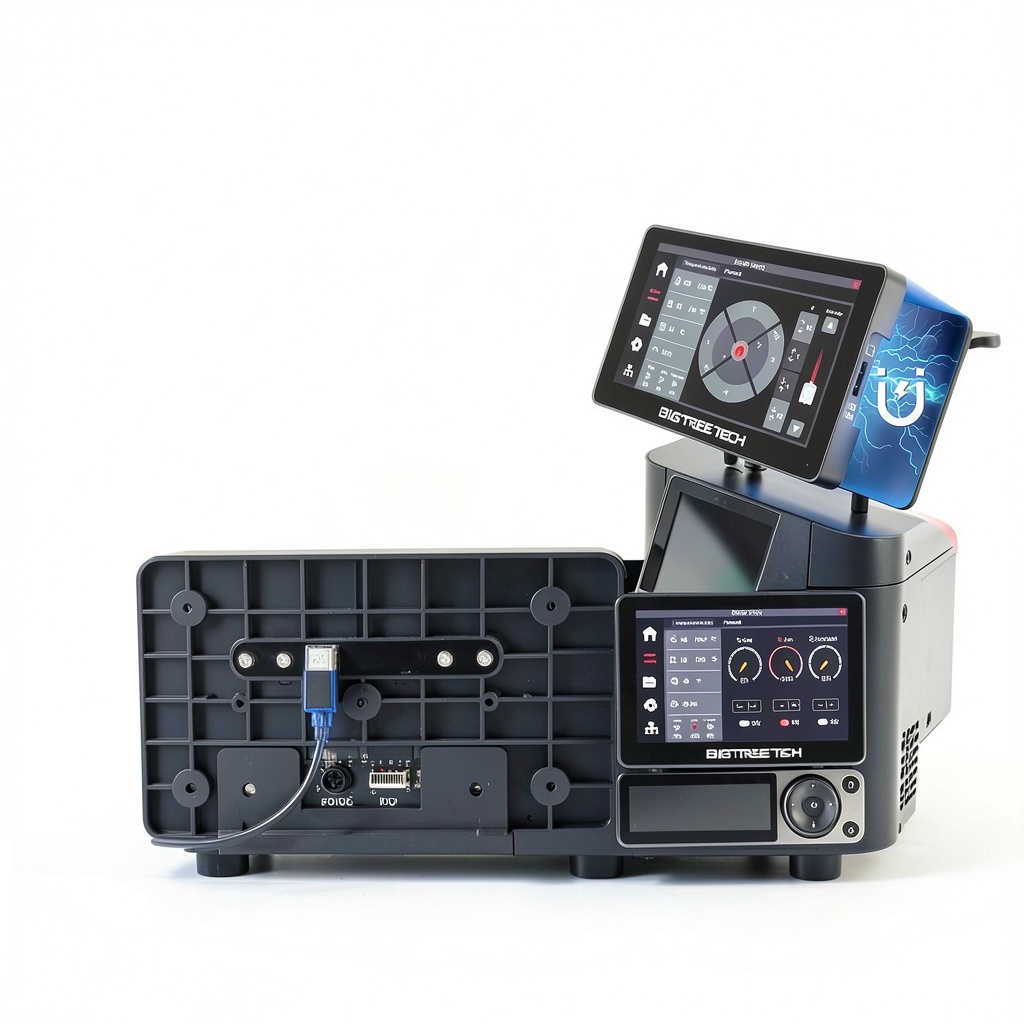
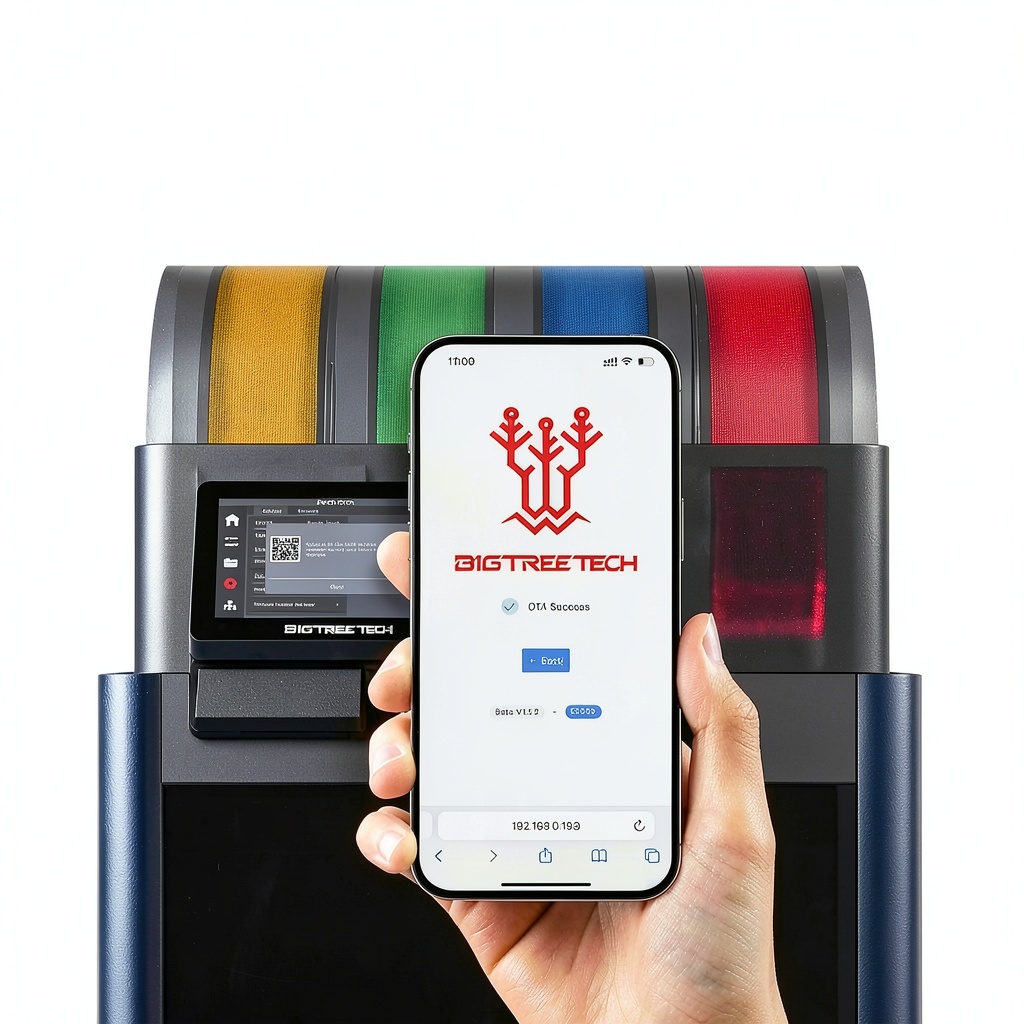
The BIGTREETECH Panda Touch is a premium 5‑inch touchscreen upgrade kit engineered specifically for Bambu Lab’s growing family of 3D printers, including the P1, P1S, X1C, A1, and A1 Mini series. Constructed from high‑quality, impact‑resistant polycarbonate and tempered glass, the display offers crystal‑clear visuals and a responsive capacitive touch surface that mimics the original Bambu Lab interface while adding powerful new capabilities. The kit includes a magnetic charging dock, a USB‑C charging cable, a pre‑charged lithium‑polymer battery, and all necessary wiring harnesses for a seamless installation. With a compact footprint of 7.56 × 4.8 × 1.93 inches and a weight of just 11.36 oz, the Panda Touch integrates effortlessly into the printer’s enclosure, preserving the sleek aesthetic of the original machine.
![[Product front view showing all components]](https://www.halvix.store/wp-content/uploads/2026/08/80524d8029dc40dfb9396f1051cd8043.jpg)
Usage
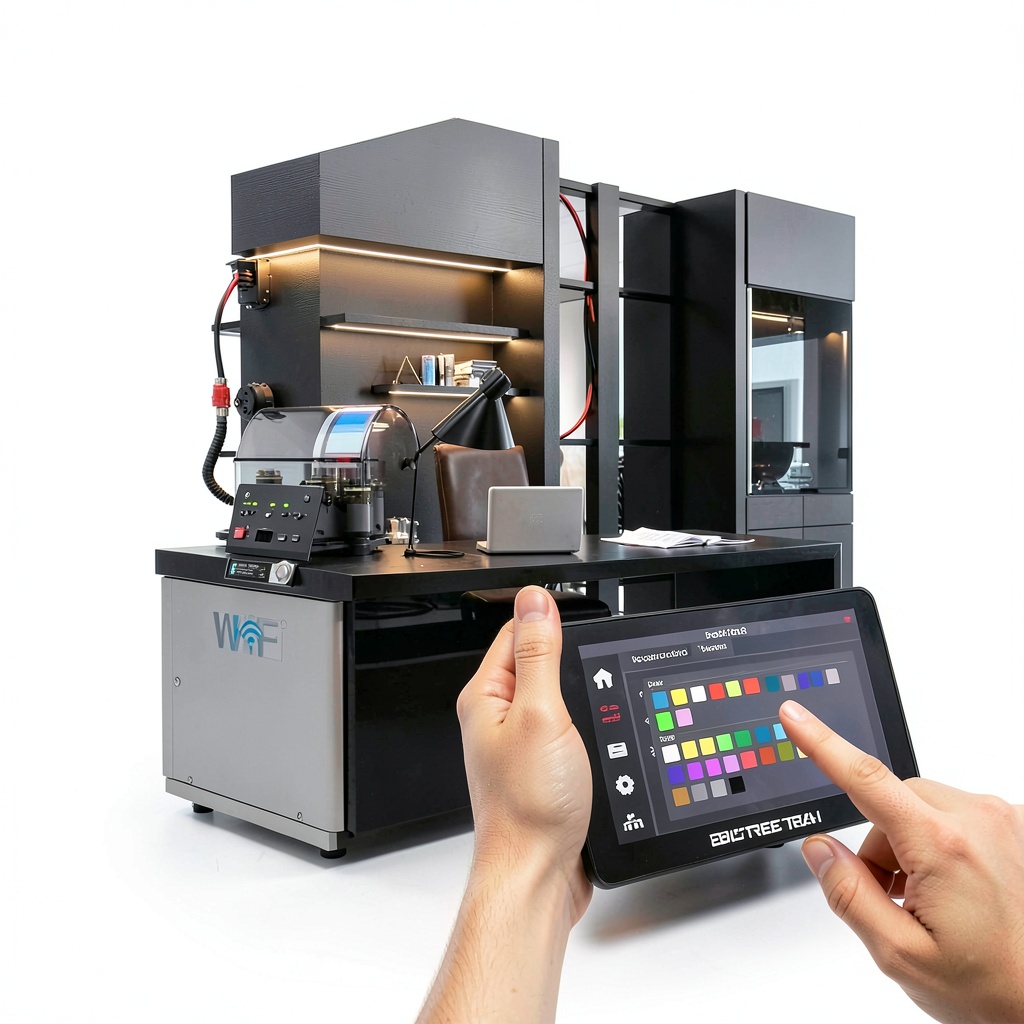
Designed for makers, educators, and professional prototyping labs, the Panda Touch enhances daily workflow in a variety of environments. In a classroom setting, instructors can demonstrate multi‑printer management, allowing students to monitor up to ten printers from a single screen, thereby streamlining batch printing projects. In a small‑scale manufacturing workshop, engineers can control multiple Bambu Lab units simultaneously, reducing downtime and improving throughput. The built‑in battery provides up to 30 minutes of untethered operation, making it ideal for on‑the‑go adjustments, field demonstrations, or situations where power outlets are limited. Whether you are printing functional parts, artistic models, or rapid prototypes, the Panda Touch delivers a consistent, intuitive user experience that adapts to both novice and advanced users.
Why Choose Us
BIGTREETECH has a reputation for delivering reliable, open‑source hardware that prioritizes durability and user empowerment. The Panda Touch continues this tradition by offering a fully documented firmware update path, ensuring compatibility with the latest Bambu Lab firmware releases. Each unit undergoes rigorous quality testing, including drop‑test validation and thermal cycling, to guarantee long‑term performance under demanding printing conditions. Our after‑sales support includes a dedicated community forum, detailed installation guides, and responsive technical assistance, providing peace of mind for both hobbyists and enterprise customers. By choosing the Panda Touch, you benefit from a product that not only upgrades your printer’s interface but also extends its functional lifespan through modular, future‑proof design.
Key Features
- 5‑inch high‑resolution touchscreen delivers clear visuals and smooth navigation for all printer functions.
- Simultaneous control of up to ten Bambu Lab printers streamlines batch production and monitoring.
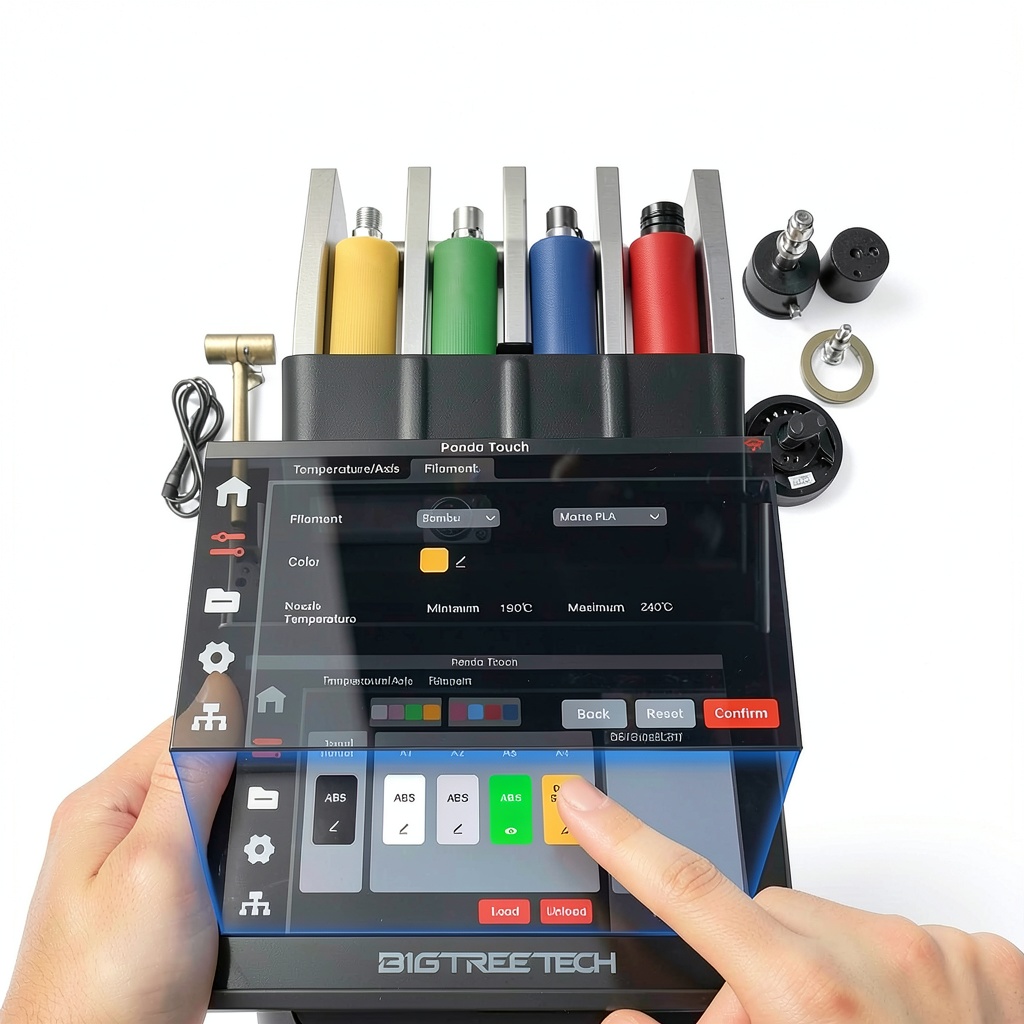
- Direct AMS management supports up to four AMS units, providing instant filament selection and slot monitoring.
- Built‑in lithium‑polymer battery offers 30 minutes of portable use, enabling flexible, cable‑free adjustments.
- Plug‑and‑play installation with magnetic charging dock and comprehensive wiring kit for quick setup.
- Robust polycarbonate housing and tempered glass screen ensure durability against impacts and heat.
- Dedicated after‑sales support and open‑source firmware updates keep the device compatible with future printer releases.
FAQ
Is the Panda Touch compatible with all Bambu Lab printer firmware versions?
The Panda Touch is compatible with firmware versions up to P1P/S > 01.07.00.00, A1/A1 Mini > 01.04.00.00, X1C > 01.08.02.00, and X1E > 01.01.02.00. For optimal performance, we recommend updating to firmware V1.0.7 or later.
How many AMS units can I control simultaneously?
The device supports direct control of up to four AMS units, giving you access to 16 filament slots from the touchscreen interface.
Can I use the touchscreen without the battery?
Yes, the Panda Touch can operate continuously when connected to a power source via the magnetic charging dock. The battery is intended for short‑term portable use.
What is the installation process like?
Installation involves two main steps: docking the screen onto the printer’s existing mount and connecting the provided wiring harness. Detailed step‑by‑step instructions are included in the package, and the process typically takes less than 15 minutes.
Do you provide firmware updates for new printer features?
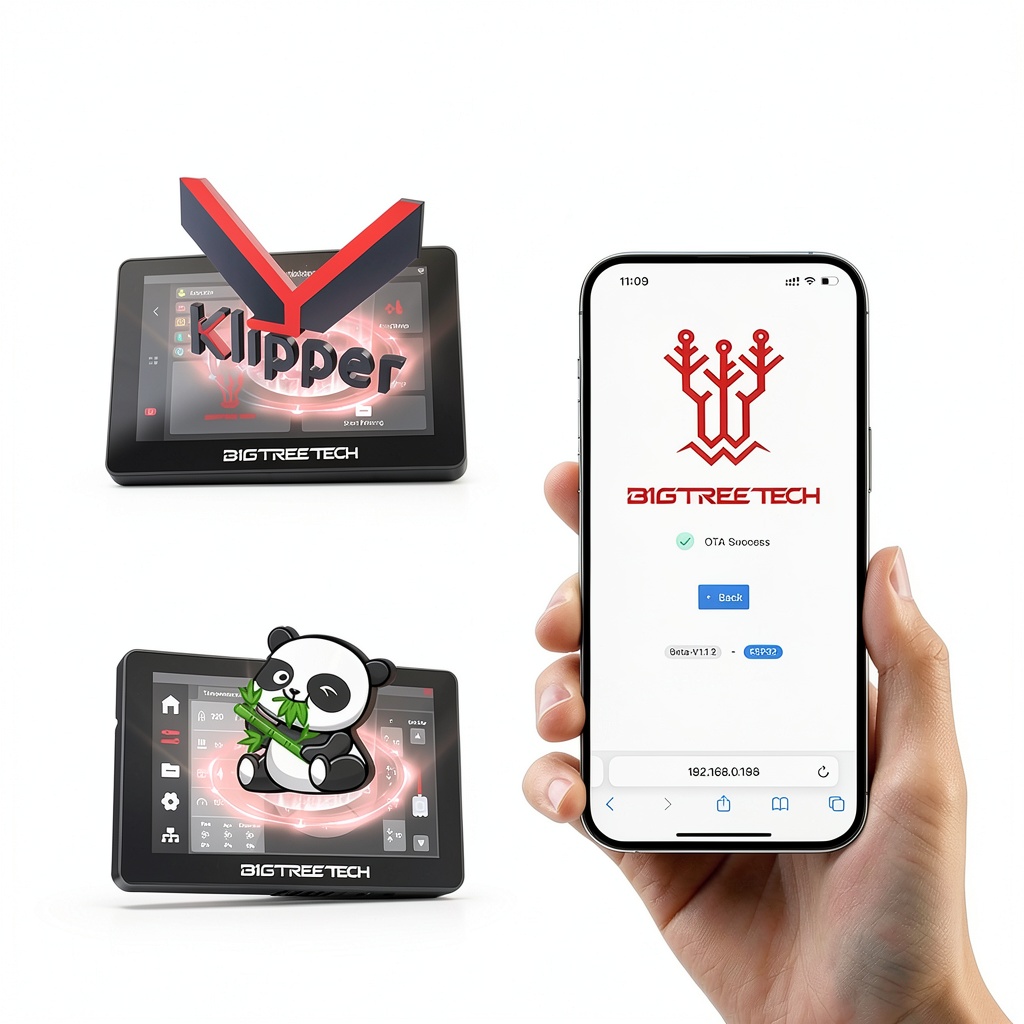
BIGTREETECH releases regular firmware updates on GitHub. Users can download the latest version and flash it to the Panda Touch, ensuring compatibility with new printer capabilities and improvements.
Reviews
There are no reviews yet.