

Description
Product Overview
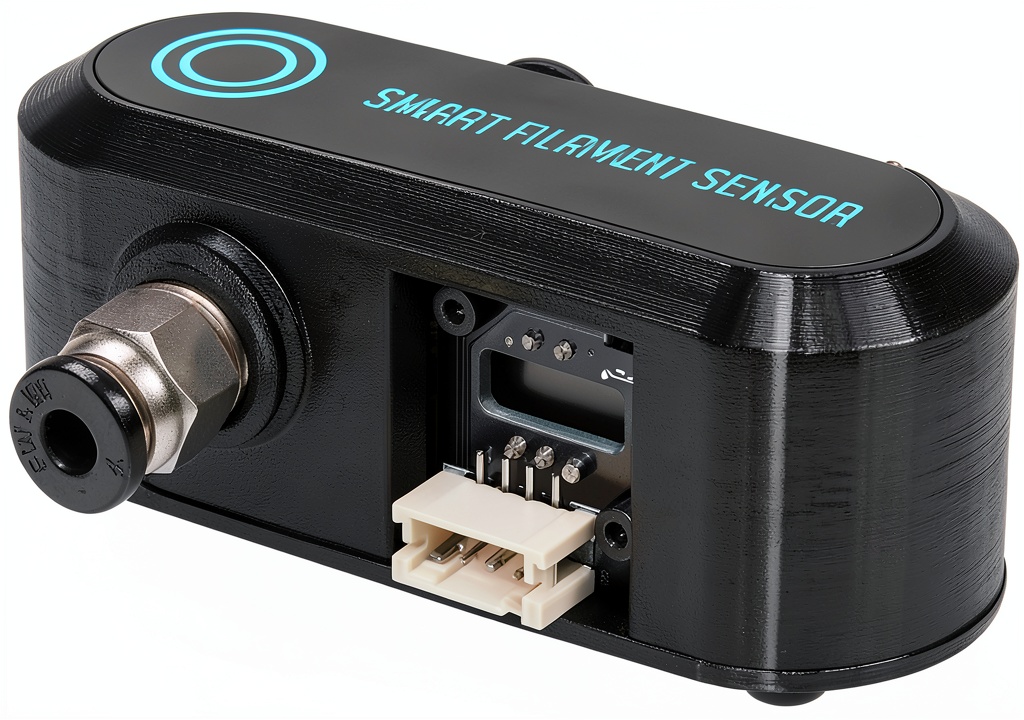
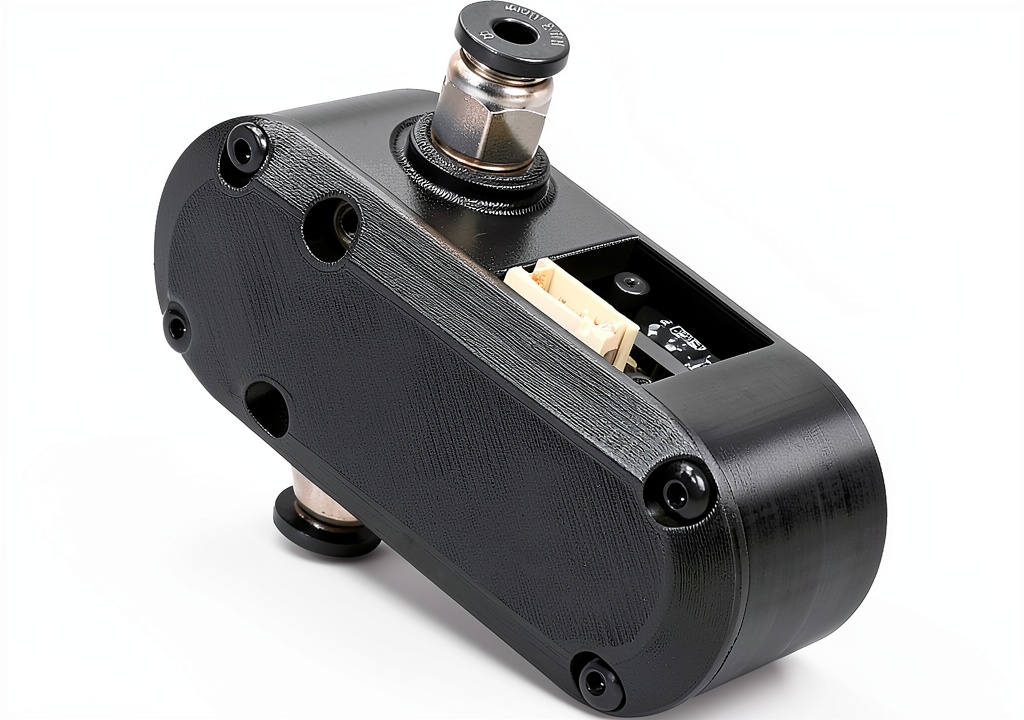
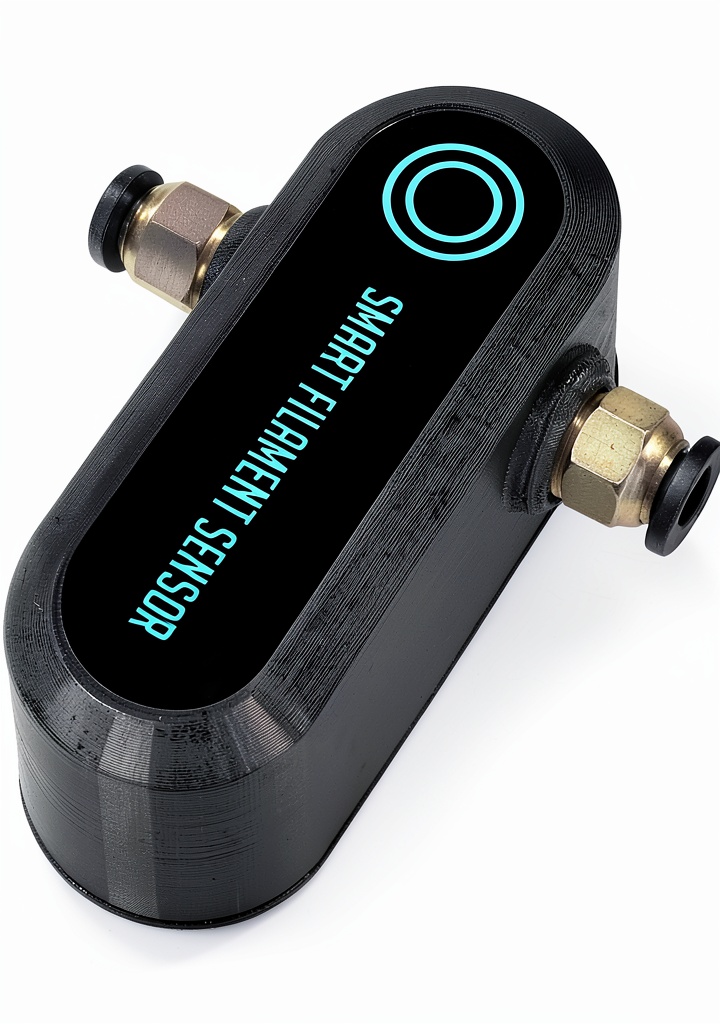
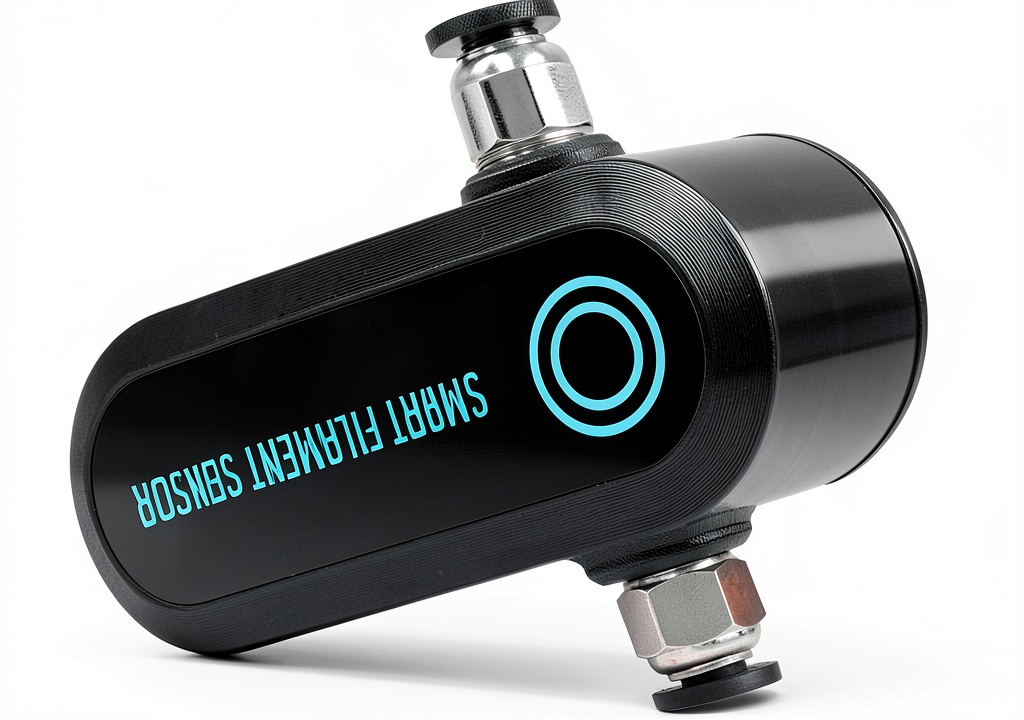
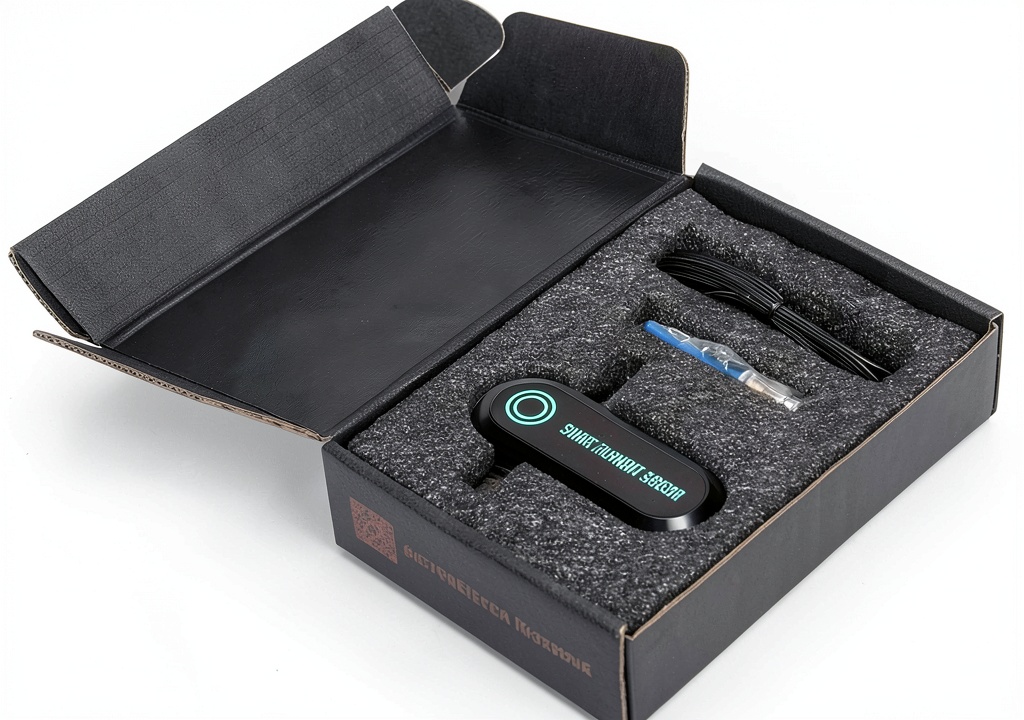
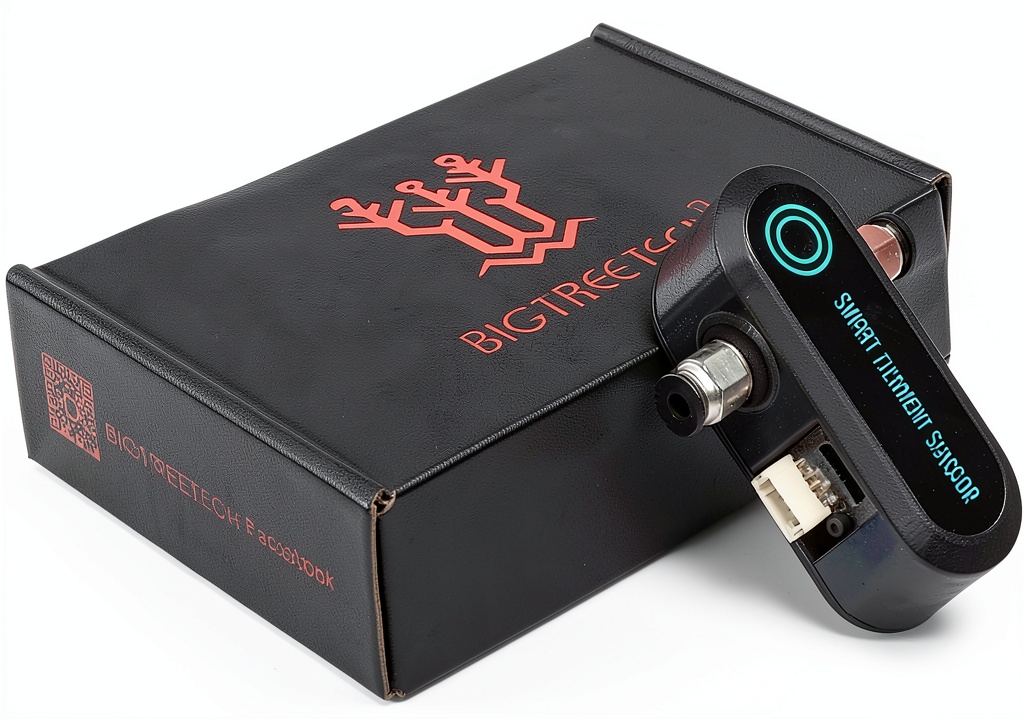
The Antinsky BIGTREETECH SFS V1.0 Smart Filament Runout Sensor is engineered to give 3D printing enthusiasts and professionals a dependable solution for detecting filament depletion and breakage. Built to operate at a stable 25 °C, the sensor integrates seamlessly with a 1 m cable that connects directly to compatible BTT control boards. Its compact dimensions—2.95 × 1.18 × 1.16 inches—and lightweight design (4.5 oz) allow it to fit into tight printer enclosures without compromising performance. The sensor leverages the open‑source Marlin 2.0.x firmware, providing real‑time alerts through supported LCD screens such as 2004, 12864, TFT24 (12864 mode), and TFT35_V3.0 (12864 mode). By monitoring filament flow, the device prevents costly print failures caused by unexpected runout or filament snapping, ultimately saving material and time.
![[Product front view showing all components]](https://www.halvix.store/wp-content/uploads/2026/08/396f7ad797f04a58a5c9a52cddf1998d.jpg)
Usage
Designed for a wide range of 3D printers, the SFS V1.0 sensor excels in both hobbyist and industrial environments. Whether you are printing intricate prototypes on a SKR Mini E3 V3.0, a high‑performance Manta M8P, or an Octopus Pro board, the sensor delivers consistent performance. Its plug‑and‑play nature means you can install it in minutes, simply routing the 1 m cable to the dedicated break detection interface on your motherboard. Once installed, the sensor continuously monitors filament movement, instantly pausing the print and notifying the user via the printer’s display when a problem is detected. This makes it ideal for long‑duration prints, batch production runs, and educational settings where reliability is paramount.
Why Choose Us
Choosing the Antinsky SFS V1.0 means opting for a product backed by rigorous quality control and a reputation for durability. Manufactured by JZCX, each unit undergoes thorough testing to meet industry standards, reflected in its solid customer rating of 4.0 stars from 18 reviews. The sensor’s compatibility with multiple BTT control boards ensures you are not locked into a single ecosystem, providing flexibility as you upgrade or expand your printer fleet. Additionally, Antinsky offers responsive after‑sales support, including firmware updates and troubleshooting assistance, guaranteeing that your investment remains future‑proof. With a competitive price point of $9.99, the sensor delivers high value without sacrificing performance.
Key Features
- Instant filament runout and break detection to prevent failed prints
- Easy plug‑and‑play installation with a 1 m cable for flexible placement
- Broad compatibility with SKR Mini E3 V3.0, Manta M8P, Octopus Pro and other BTT boards
- Supports multiple LCD screen types for clear, real‑time alerts
- Responsive customer support and firmware updates for long‑term reliability
FAQ
How does the sensor detect filament breakage?
The sensor monitors the movement of filament through a built‑in optical or mechanical detection method. When the filament stops moving unexpectedly, the sensor signals the printer’s firmware, which then pauses the print and displays an alert.
Is the sensor compatible with non‑BTT control boards?
While the SFS V1.0 is optimized for BTT boards with a dedicated break detection interface, it can also work with other controllers that support Marlin 2.0.x and provide a compatible input pin. Users should verify pin assignments in their firmware configuration.
Can I use the sensor with filaments other than 1.75 mm?
The sensor is calibrated for 1.75 mm filament, which is the most common size in the market. Using it with other diameters may affect detection accuracy, so we recommend sticking to the specified filament size for optimal performance.
What should I do if the sensor triggers a false alarm?
False alarms are often caused by filament tangles or debris on the sensor’s detection area. Clean the sensor gently with a soft brush and ensure the filament path is smooth. Adjusting the sensor’s sensitivity in the Marlin firmware can also help reduce false positives.
Do I need any additional hardware to install the sensor?
No additional hardware is required. The sensor comes with a 1 m cable and a connector that plugs directly into the break detection port on supported BTT control boards. Simply secure the sensor near the extruder, connect the cable, and update your firmware settings.

Reviews
There are no reviews yet.