
Description
Product Overview
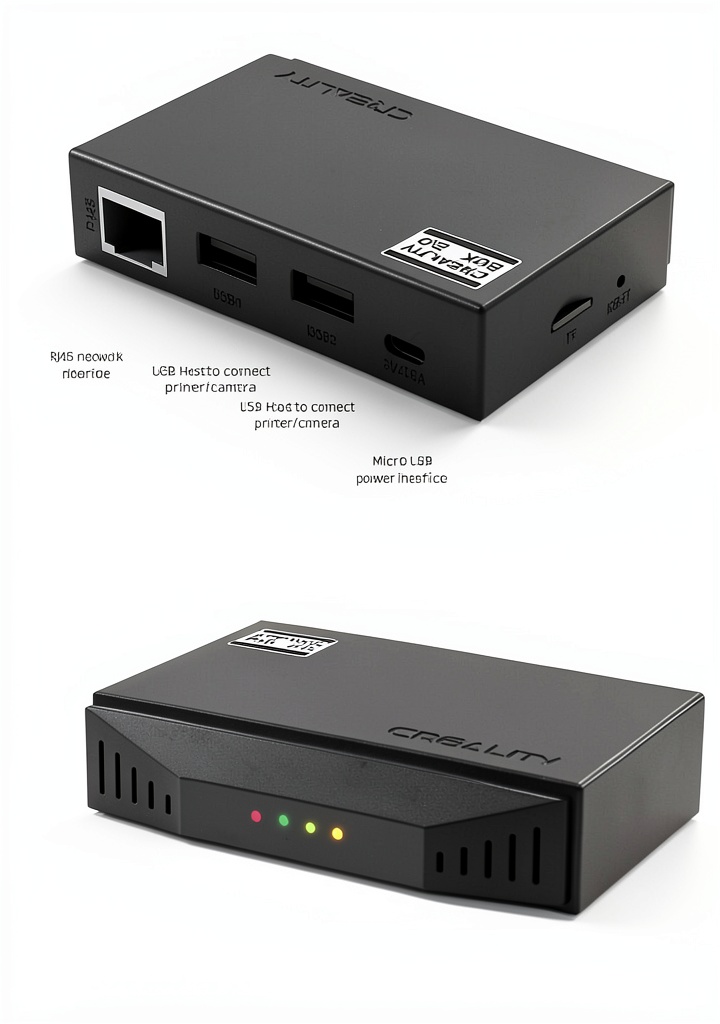
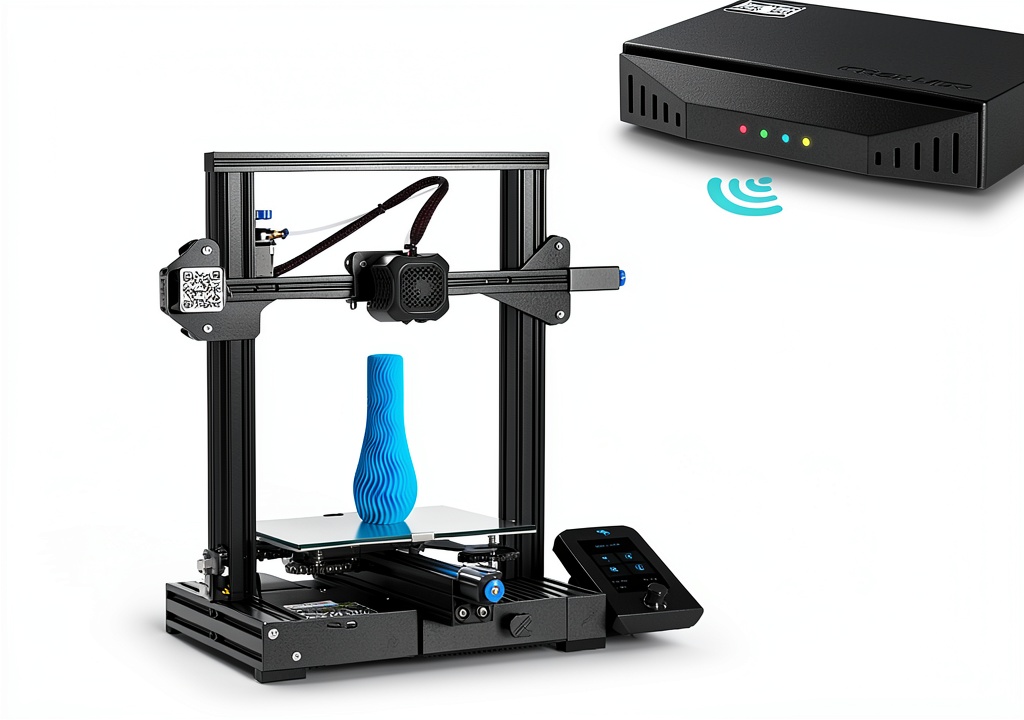
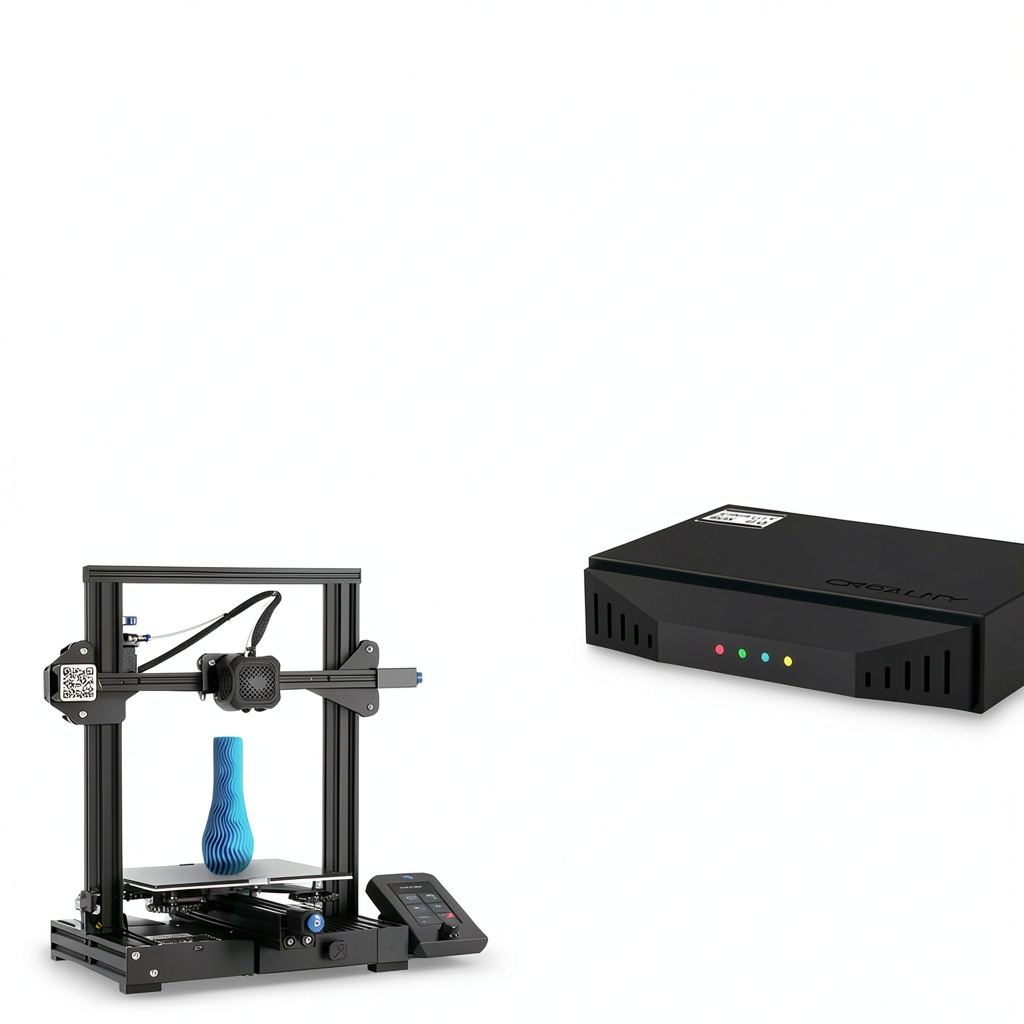
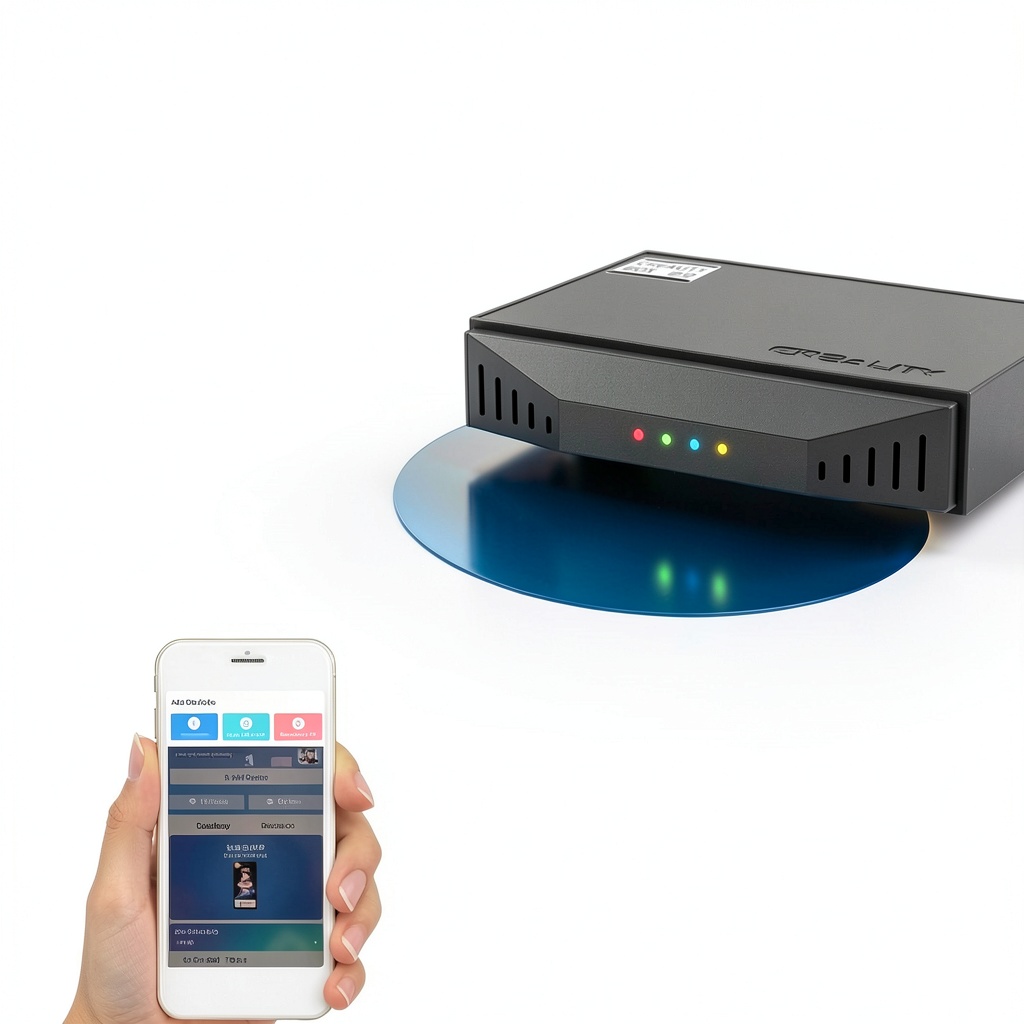
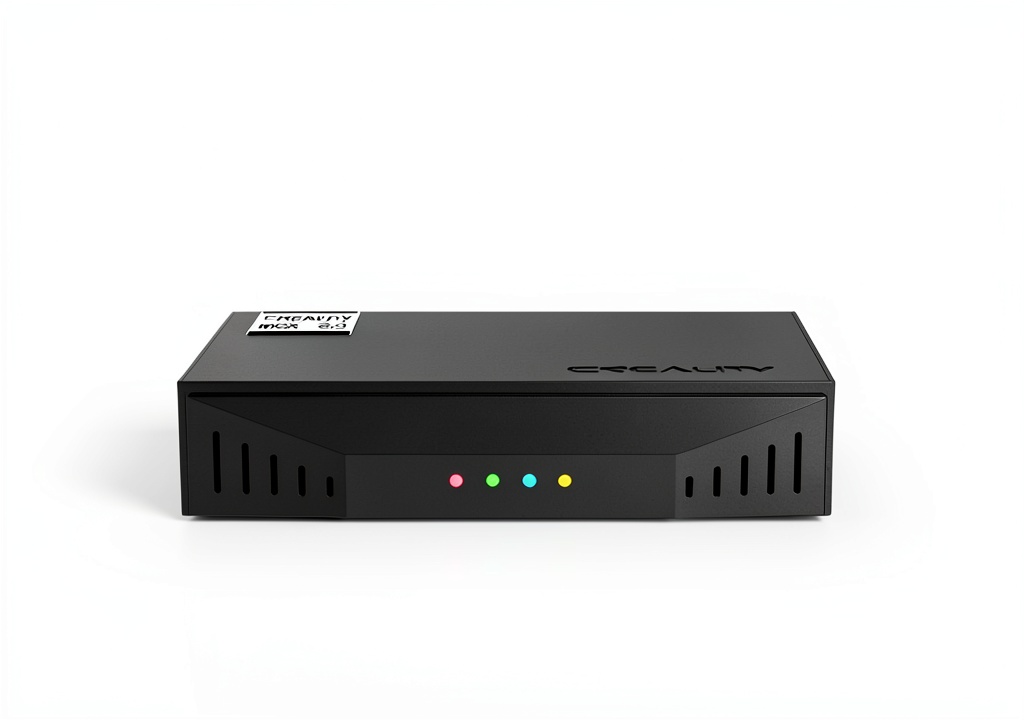
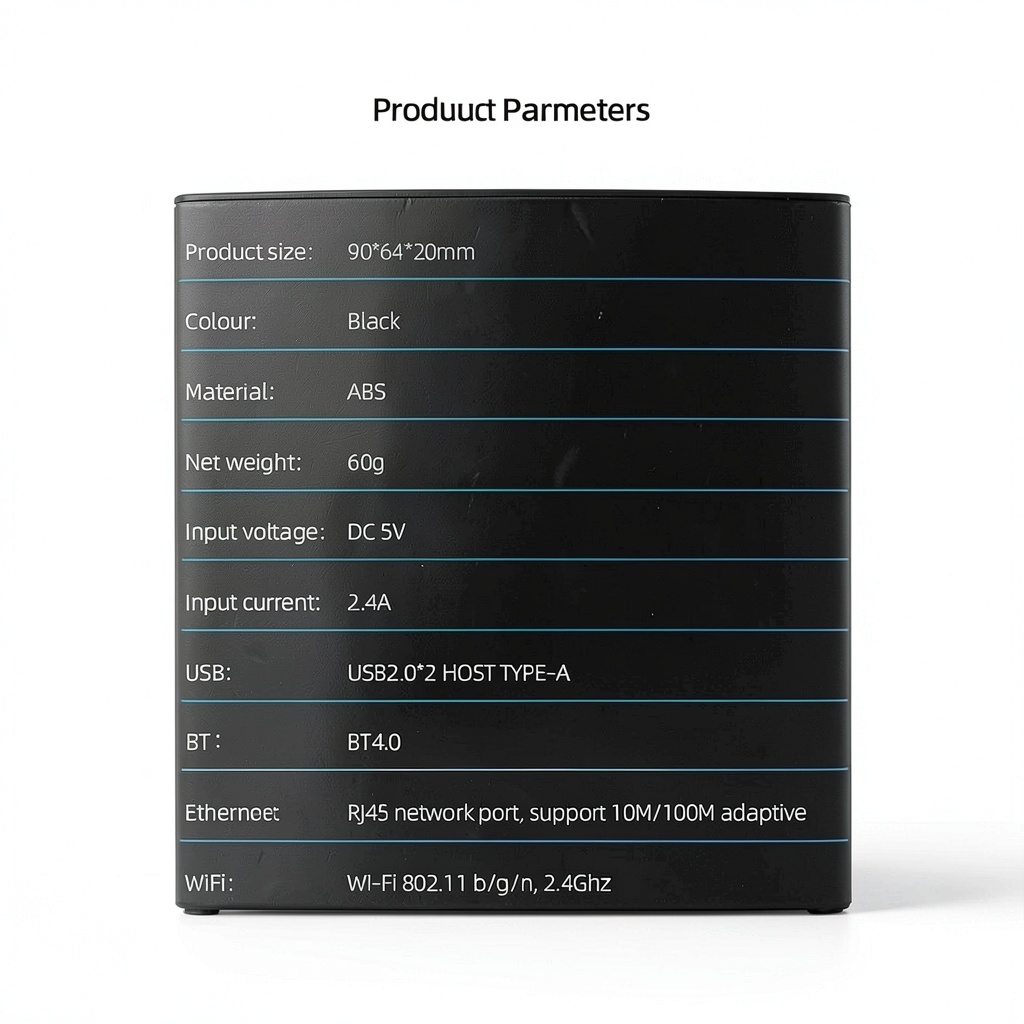
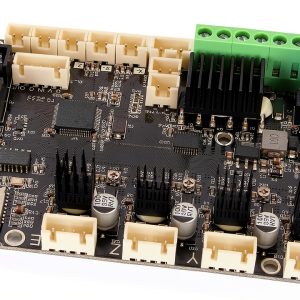
The Sunydog Crea-lity WiFi Box 2.0 is a compact, high‑performance controller designed to turn any standard 3D printer into a fully networked, cloud‑enabled workstation. Housed in a rugged ABS shell, the device measures just 90 × 64 × 20 mm and weighs only 2.12 oz, making it easy to mount on a printer or transport to a different workspace. It supports an 8 GB TF card for local storage and connects to the Crea‑lity Cloud platform via Wi‑Fi, enabling remote slicing, real‑time monitoring, and one‑click log uploads. The box also features Bluetooth (BT) configuration, allowing users to pair their printer and smartphone in seconds without dealing with complex network settings. All components are engineered for durability, with a heat‑resistant ABS enclosure that protects the internal electronics from the typical temperature fluctuations found in a 3D printing environment.
![[Product front view showing all components]](https://www.halvix.store/wp-content/uploads/2026/07/773459e6edbc4a84b4b71708db0adefb.jpg)
Usage
Designed for makers, educators, and professional prototyping teams, the Crea‑lity WiFi Box 2.0 fits seamlessly into a variety of workflows. In a classroom, students can start a print from their Android tablets, watch the progress on the cloud dashboard, and later review a time‑lapse video that captures every layer. In a small studio, designers can queue multiple jobs, monitor each printer from a central tablet, and receive automatic notifications if a print fails or completes. The device’s BT configuration makes it especially useful in environments where Wi‑Fi networks change frequently, such as trade shows or temporary labs. Because the box works with any standard 3D printer that supports a USB or serial connection, it can be retrofitted onto legacy machines without any hardware modifications.
Why Choose Us
Sunydog brings more than a decade of experience in industrial‑grade electronics to the additive manufacturing market. Every Crea‑lity WiFi Box undergoes a rigorous quality‑assurance process that includes thermal cycling, vibration testing, and electromagnetic compatibility checks to ensure reliable operation 24/7. The cloud platform is hosted on secure, scalable servers that guarantee data privacy and fast upload speeds, so your print files and logs are always accessible. In addition, Sunydog offers a dedicated support line and a comprehensive online knowledge base, providing step‑by‑step guides, firmware updates, and troubleshooting tips. When you purchase the WiFi Box, you also receive a one‑year warranty that covers any manufacturing defects, reinforcing our commitment to long‑term customer satisfaction.
Key Features
- Instant BT network setup – pair your printer in seconds without manual Wi‑Fi configuration.
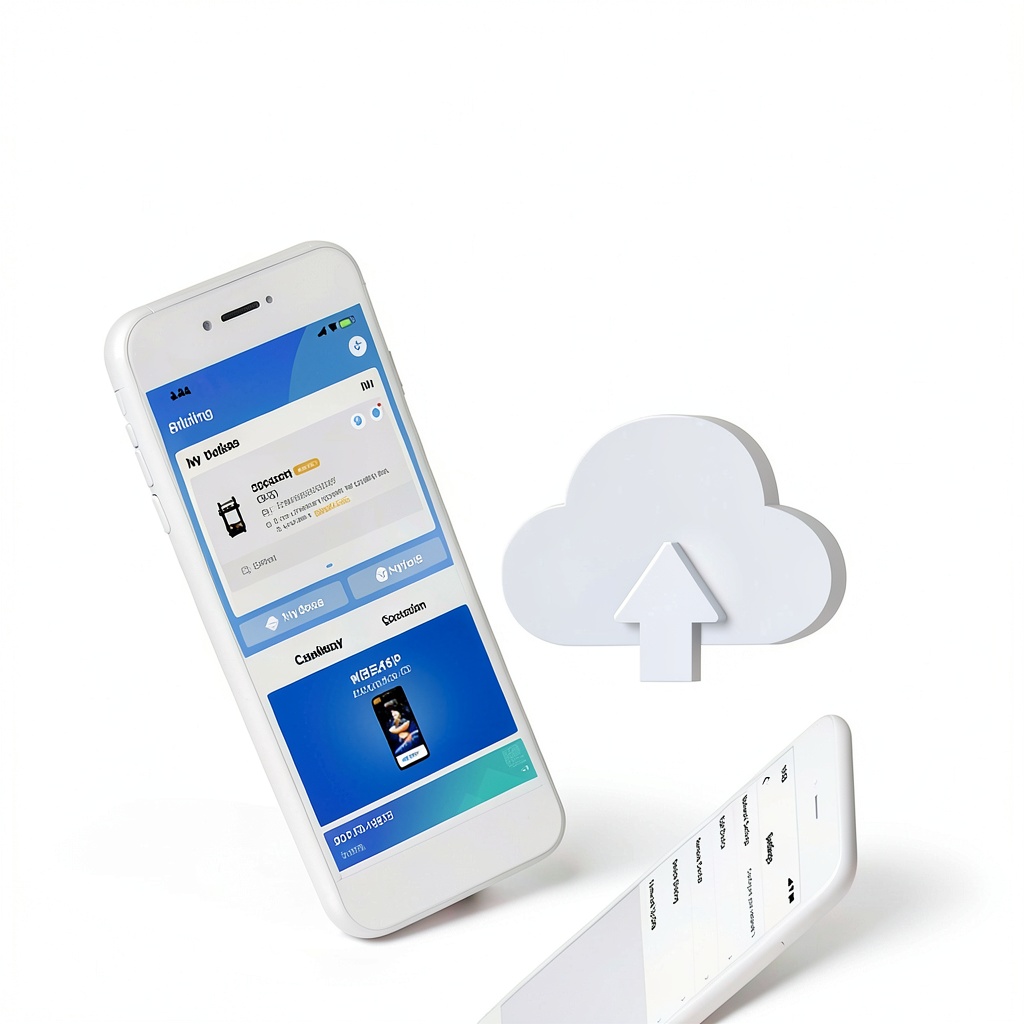
- Cloud slicing and print queue – upload models from any Android device and let the cloud prepare G‑code automatically.
- Real‑time monitoring – view temperature, progress, and layer‑by‑layer status from anywhere.
- Time‑lapse capture – automatically record each print and store videos on the cloud for easy sharing.
- One‑click log upload – send complete print histories to the cloud for maintenance and warranty support.
- Compact ABS housing – lightweight, heat‑resistant case protects electronics in demanding environments.
- 8 GB TF card slot – local backup for models and logs when internet access is limited.
- Dedicated after‑sales service – 24/7 technical support and a one‑year warranty for peace of mind.
FAQ
Can the Crea‑lity WiFi Box work with any 3D printer?
Yes. The box connects via a standard USB or serial interface, which is compatible with the majority of desktop FDM and SLA printers on the market. No firmware changes are required on the printer itself.
Do I need a separate Wi‑Fi network for the device?
No. The Wi‑Fi Box can join an existing network, or you can use its built‑in hotspot mode to create a temporary network for a single session. The BT pairing process simplifies initial setup, even in environments without a stable Wi‑Fi signal.
How does the time‑lapse feature store videos?
During a print, the box captures a frame at each layer change and compiles the images into a video file. The finished video is automatically uploaded to the Crea‑lity Cloud, where you can stream or download it. A local copy is also saved to the inserted TF card.
Is the cloud platform secure?
All data transferred between the Wi‑Fi Box and the cloud is encrypted using TLS 1.2. User accounts are protected by two‑factor authentication, and files are stored on servers that comply with industry‑standard security certifications.
What kind of support is available after purchase?
Sunydog provides 24/7 email and chat support, a detailed online manual, and firmware updates that add new features and improve stability. The one‑year warranty covers any manufacturing defects, and replacement parts are available at a reduced cost for the warranty period.
Reviews
There are no reviews yet.